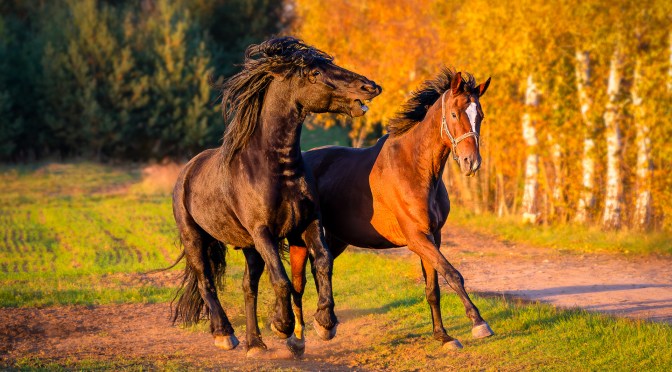
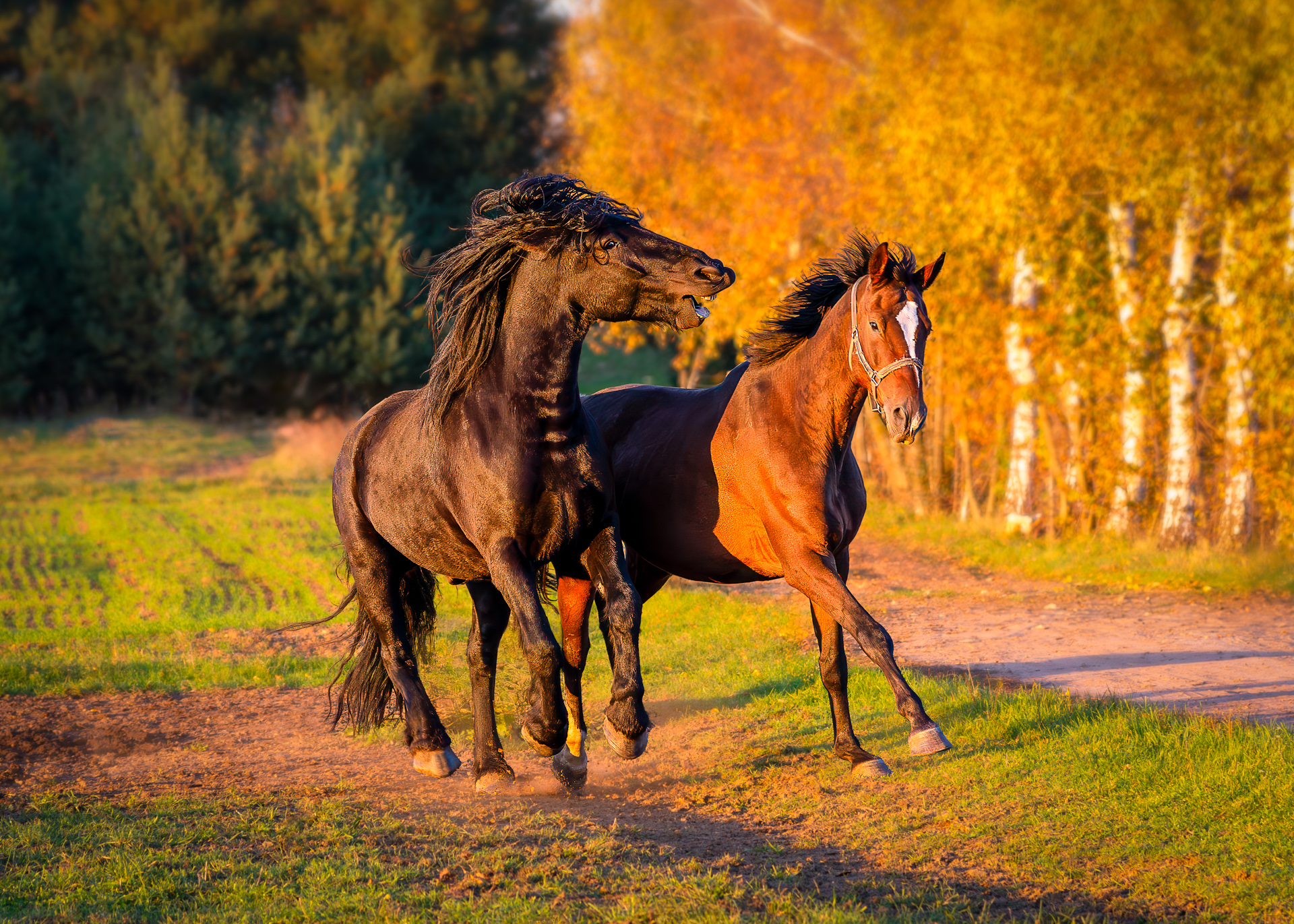
Horses playing in the golden hour light of an autumn evening
Golden autumn evenings offer some of the best light for outdoor photography. The low sun wraps the landscape in warm tones of gold and copper, creating a perfect atmosphere for portraits and nature shots. On this particular evening, the light filtered through birch leaves and reflected beautifully on the coats of two horses playing on a forest path. I also took a calmer portrait of a single horse, but the dynamic frame with two horses captured the energy and emotion of the season perfectly.
Shooting During the Golden Hour
The golden hour is short and unpredictable but incredibly rewarding. The light changes quickly, so it’s worth observing how it moves across the scene before taking the shot. Shooting slightly against the sun helps to create a soft rim light around the subjects, adding depth and warmth to the photo.
When photographing animals, composition is key. Leave space for movement and keep the background simple. In this case, I used the path and line of birch trees to guide the viewer’s eye toward the horses, creating a natural sense of direction and balance.
Editing Autumn Photos in Photoshop
For this image, I did the entire development process directly in Photoshop, using only adjustment layers — no Camera Raw. Working this way keeps the workflow non-destructive, flexible, and easy to refine later.
My editing process step-by-step:
- Curves – Restore contrast with a gentle S-curve to deepen shadows and keep highlights natural. This enhances the late-afternoon light and defines the horses’ shapes.
- Color Balance – Warm the midtones and highlights by adding a subtle shift toward yellow and red for that classic autumn glow.
- Selective Color – Refine reds and yellows to make the trees glow naturally and reduce greens to prevent oversaturation.
- Hue/Saturation – Apply small adjustments to maintain realistic yet vivid colors.
- Brightness/Contrast or Levels – Final tonal corrections to add depth and balance.
- Orton-Style Glow (optional) – Duplicate the image, apply a slight Gaussian Blur, set the layer to Soft Light or Overlay, and lower opacity. This creates a gentle, dreamy look that works especially well with golden hour photos.
The goal is to preserve the natural feeling of the moment — to make the photo look bright, warm, and alive without over-editing.
How to Get a Similar Effect in Lightroom
You can achieve a very similar look in Lightroom or Camera Raw with a simpler workflow:
- Warm up the White Balance to enhance the golden tones.
- Adjust Exposure, Highlights, and Shadows for soft contrast.
- Increase Vibrance slightly for richer autumn colors.
- Add a touch of Clarity and Texture for detail.
- Use a Radial Filter or Masking to subtly highlight the subjects.
Lightroom is ideal for a quick, efficient workflow, while Photoshop gives more precision and creative control when refining light and color manually.
Autumn is one of the most rewarding seasons for photography. The combination of soft sunlight, vivid colors, and calm atmosphere creates endless opportunities for expressive images. Whether you photograph wildlife, horses, or landscapes, focus on light, timing, and natural composition.
Both Photoshop and Lightroom can help you bring out the warmth and texture of golden hour photos. The key is subtle editing that enhances what nature already offers — the golden tones, the depth of shadows, and the emotion of the moment.
If you love photographing in warm autumn light, try shooting during the golden hour and experiment with color grading in Photoshop. Capture the glow, the texture, and the feeling of the season — and share your results in the comments below!
Discover more from Shutter and Saddle
Subscribe to get the latest posts sent to your email.
 Shutter and Saddle
great shot!
LikeLiked by 1 person
Thanks a lot! 🙌
LikeLiked by 1 person