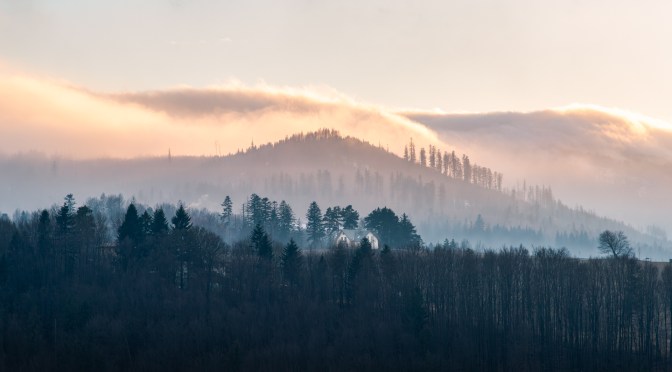
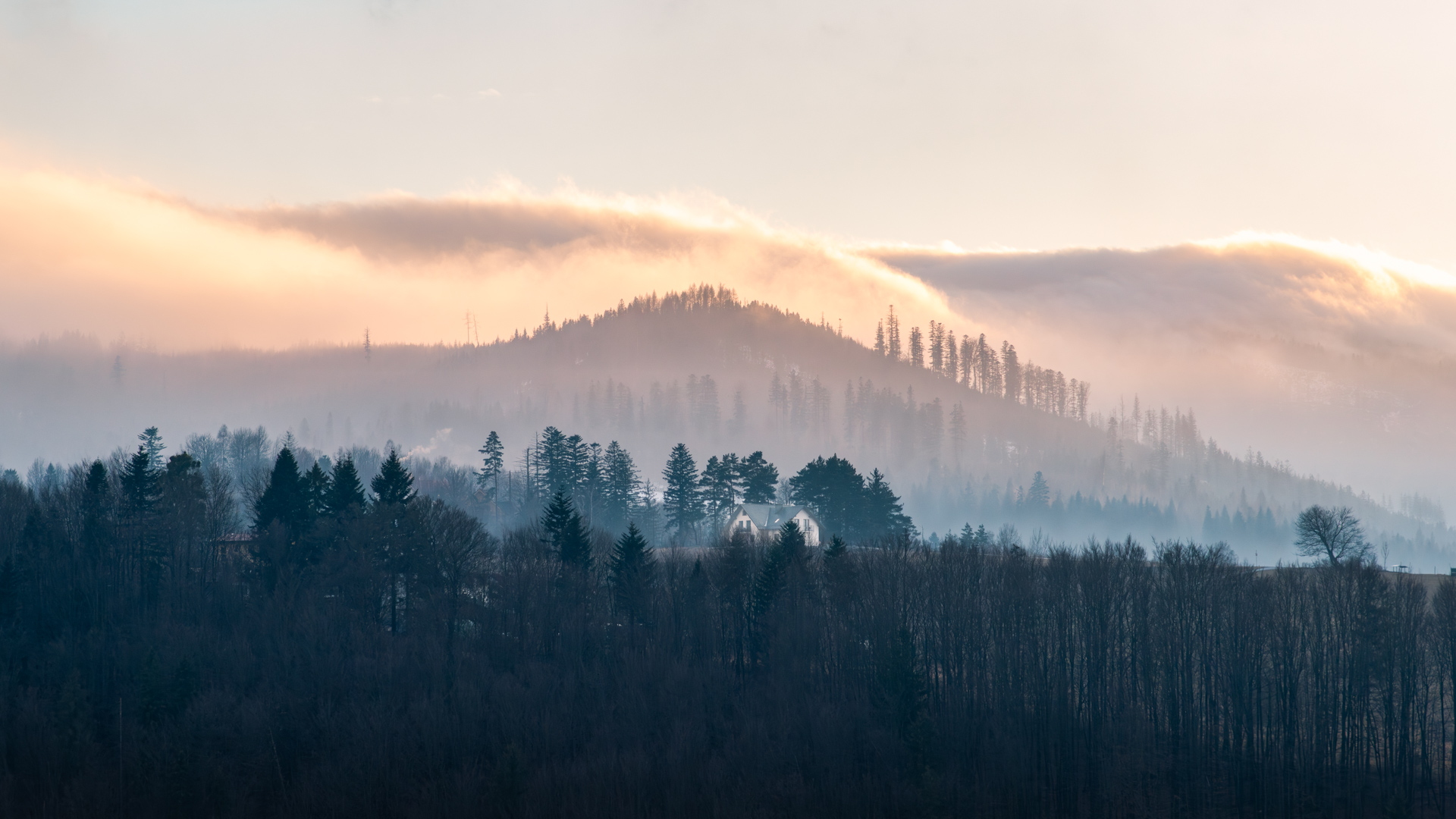
Winter layers in the hills above Wisła — mist, soft light, and a small hut holding the scene together
Winter mornings in the mountains often feel quiet enough that every little detail stands out — the crunch of snow under your boots, the faint glow building behind the ridge, the way the cold air seems to soften everything in the distance. This frame from Wisła, the hometown of ski-jumping legend Adam Małysz, caught my attention because the landscape naturally arranged itself into layers. All I had to do was respond to what the scene was already offering: shifting tones, mist drifting between the trees, and a small hut sitting calmly in the middle of it all.
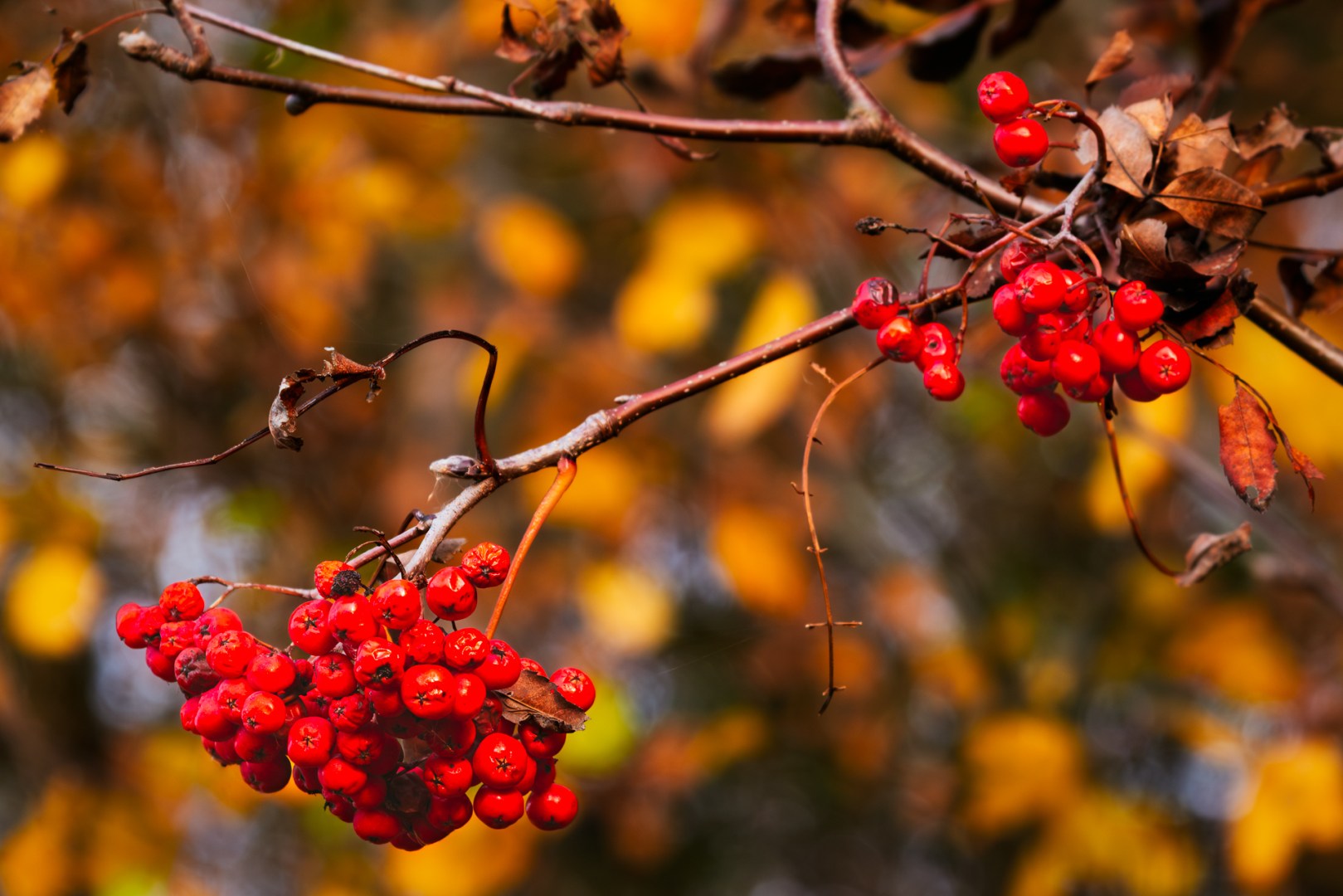
Red rowan berries among golden leaves — a simple autumn detail brought to life with warm tones and gentle contrast in Photoshop
There’s a certain kind of light that only autumn brings — warm, honey-gold, and fleeting. It turns ordinary leaves into glowing mosaics of red, orange, and yellow. But capturing that feeling in a photo doesn’t always come straight from the camera.
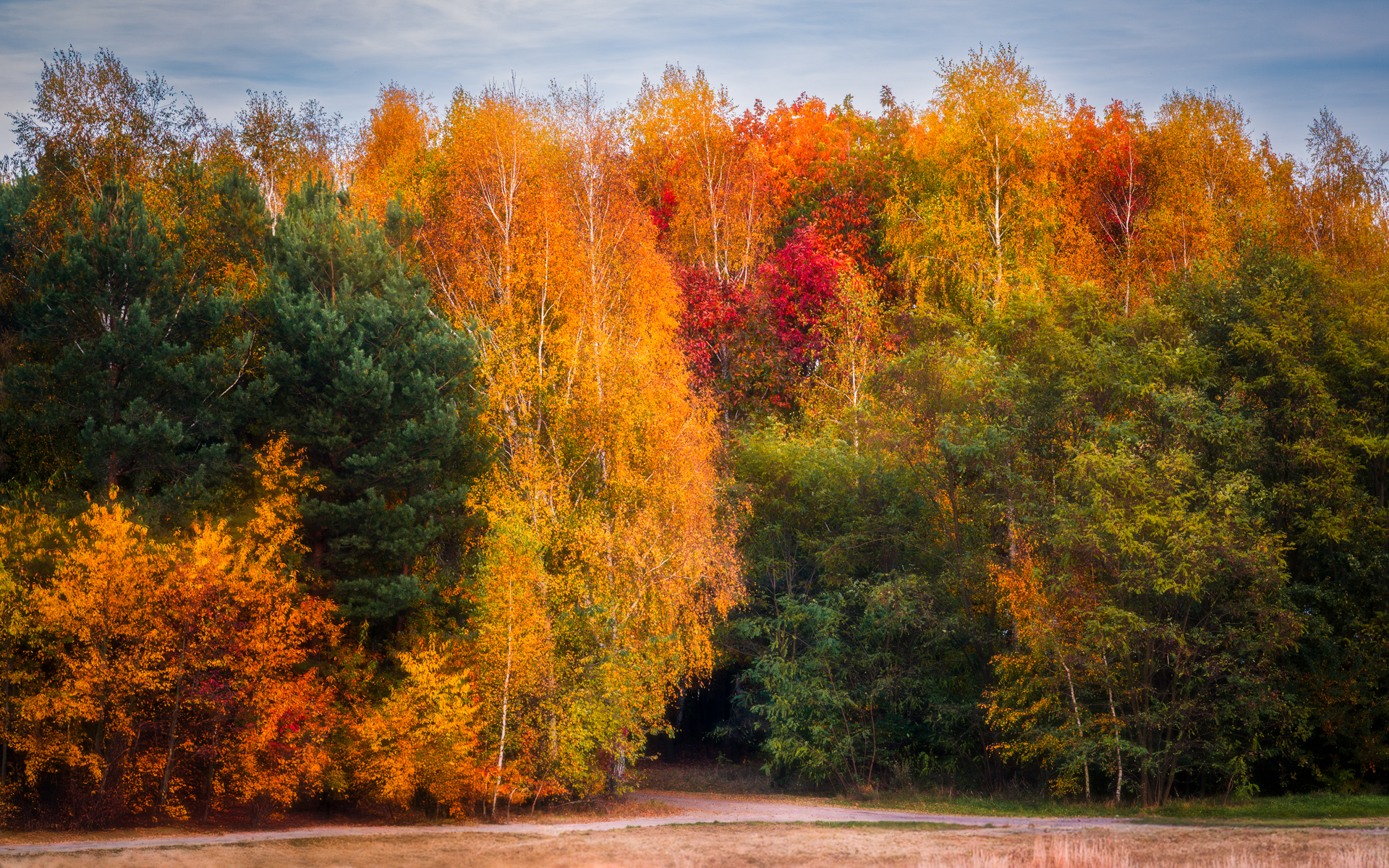
A mix of birch, pine, and maple trees glowing in the golden Polish autumn light — nature’s most vivid palette
The golden Polish autumn transforms familiar forests into glowing mosaics of yellow, orange, and deep red. The air turns crisp, the sunlight softens, and each path or clearing seems to shimmer with its own quiet warmth. It’s the kind of light that makes you stop — to watch, to breathe, to capture the fleeting beauty before it fades.
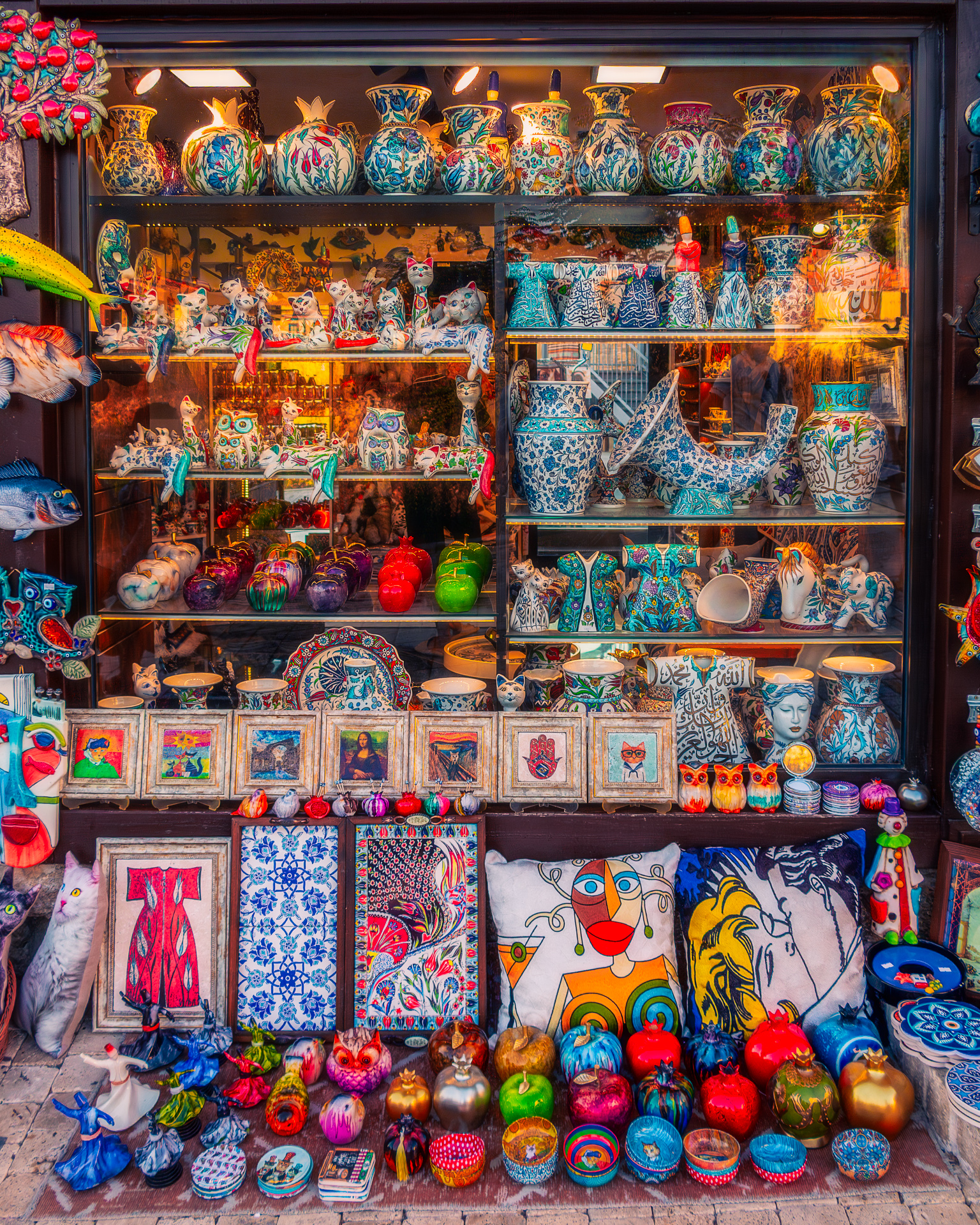
A vibrant shop window display of ceramics, fabrics, and ornaments — colors enhanced and softened with a dreamy glow
There are certain streets where you can’t help but stop — not because of the traffic or the crowds, but because a window calls you in. This shop was one of those places: packed from floor to ceiling with ceramics, fabrics, pillows, ornaments, and paintings, each one bursting with its own personality. The scene felt alive, but the photo straight from the camera looked flat and distracted by reflections on the glass.
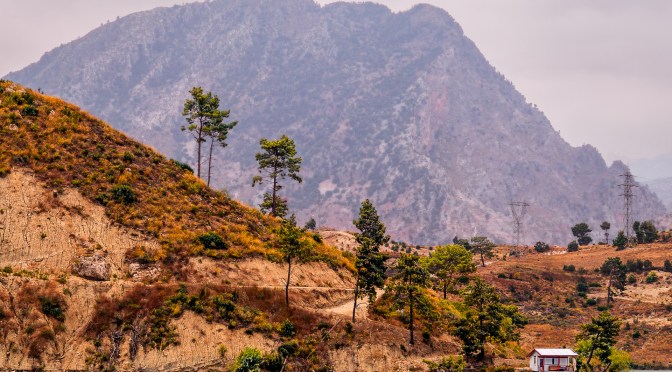
A small hut by a turquoise lake in Turkey, framed by orange hills and a towering mountain
This photo is part of a series I took during a boat ride on Turkey’s Green Lake — a trip where I quickly learned that shooting from a moving deck is less about carefully crafted composition and more about grabbing what you can before the boat turns. With no chance to wander around for the perfect angle, I fired off frames of the passing landscapes, half-hoping that at least one would hold enough potential to rescue later in post-processing.
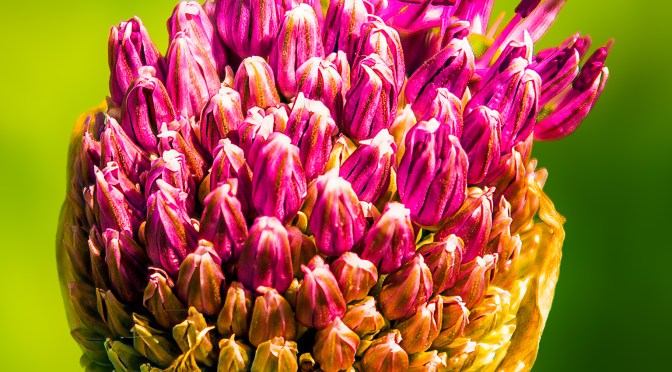
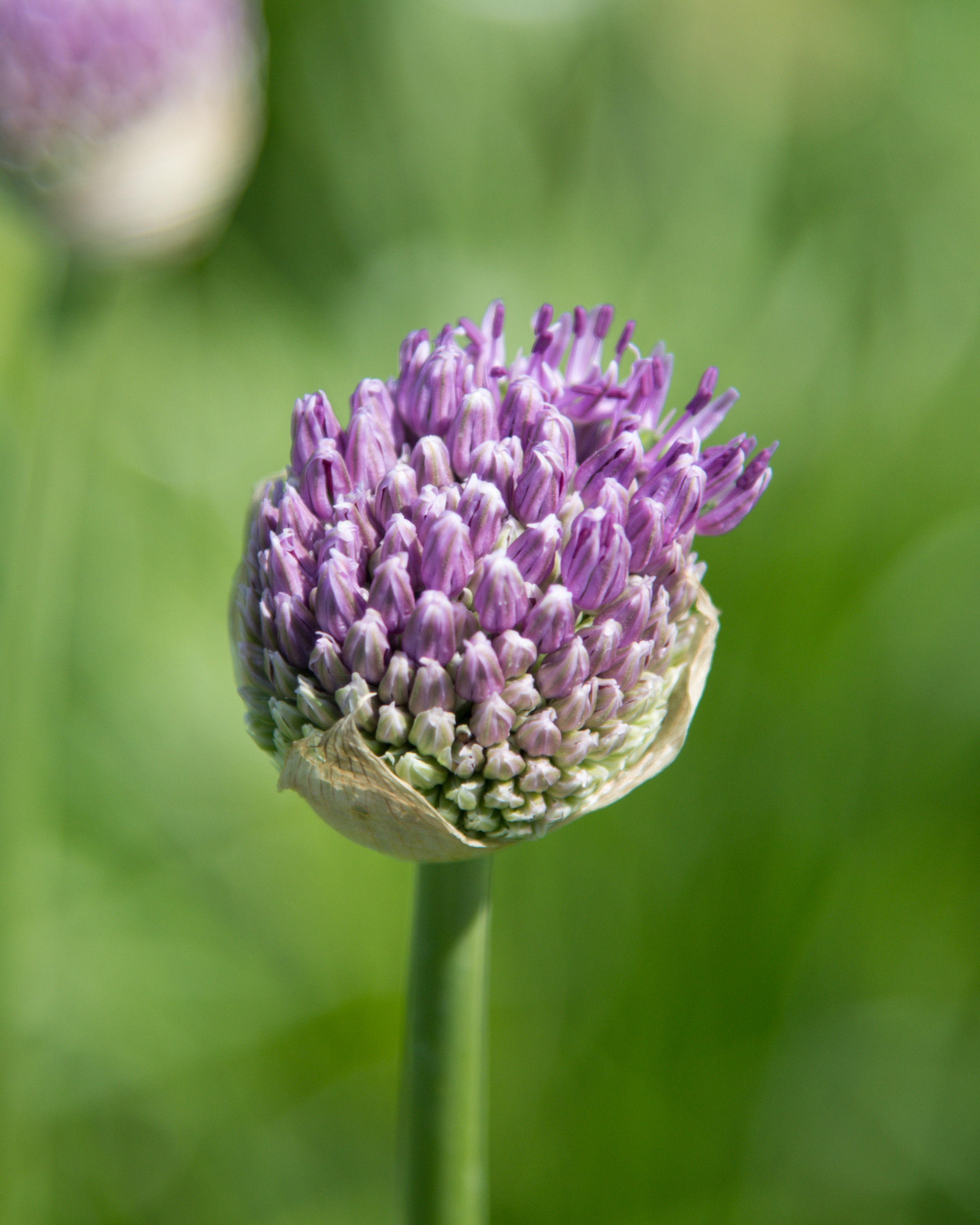
Flower photo before and after Lightroom editing – from flat to vibrant
Whether you’ve just captured a bloom bathed in golden hour light or snapped a bright tulip at noon, editing your flower photos can transform them from simple snapshots into radiant, share-worthy images. In this beginner-friendly guide, I’ll walk you through how I edit flower photos using Lightroom or Camera Raw and add a soft, dreamy Photoshop glow for those magical sunset shots.
If you’re shooting in RAW, Adobe Camera Raw(ACR) is where your editing journey should begin. It’s the best place to fix exposure, enhance color, and recover detail before moving back to Photoshop for more creative work.
A streamlined import and editing workflow keeps your photos organized and your edits non-destructive. Here’s my step-by-step process for bringing images into Lightroom and prepping them for Photoshop—perfect for single shots or large batches.







 Shutter and Saddle