A calm evening in the Mediterranean. The setting sun casts shades of orange and rose across the harbor, silhouetting the ship’s masts and palm trees along the shore.
Some sunsets don’t shout — they whisper. On this serene evening along the Mediterranean, the light bled slowly from gold into soft hues of orange and rose. The masts of a lone ship stood tall against the fading glow, while palm trees lined the shore like delicate brushstroke silhouettes. In the distance, hills and mountains softened into a gentle haze, framing the scene with a quiet, timeless rhythm.
A traditional boat sails into the Mediterranean sunset, its silhouette framed by Turkish flags and golden evening light.
The best photos often find us when we least expect them. I was walking along the coast, camera in hand, when a solitary boat glided into view just as the sun began to dip below the horizon. I had only a second to raise my camera and capture the moment — no time for perfect framing or multiple attempts. Yet in that rush, something remarkable happened: light, movement, and atmosphere converged into a single, fleeting scene of Mediterranean sunset magic.
A daring ultralight trike pilot glides through the clouds at the local air show
Small regional air shows offer something the big events can’t — intimacy. No jostling crowds, no distant specks in the sky — just the raw sound of engines up close, the chance to chat with pilots, and the freedom to experiment with your photography.
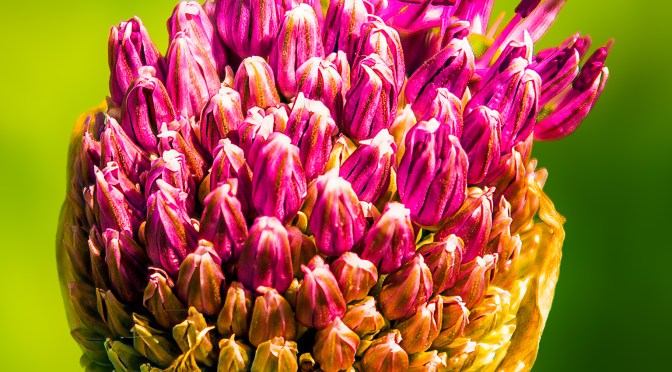
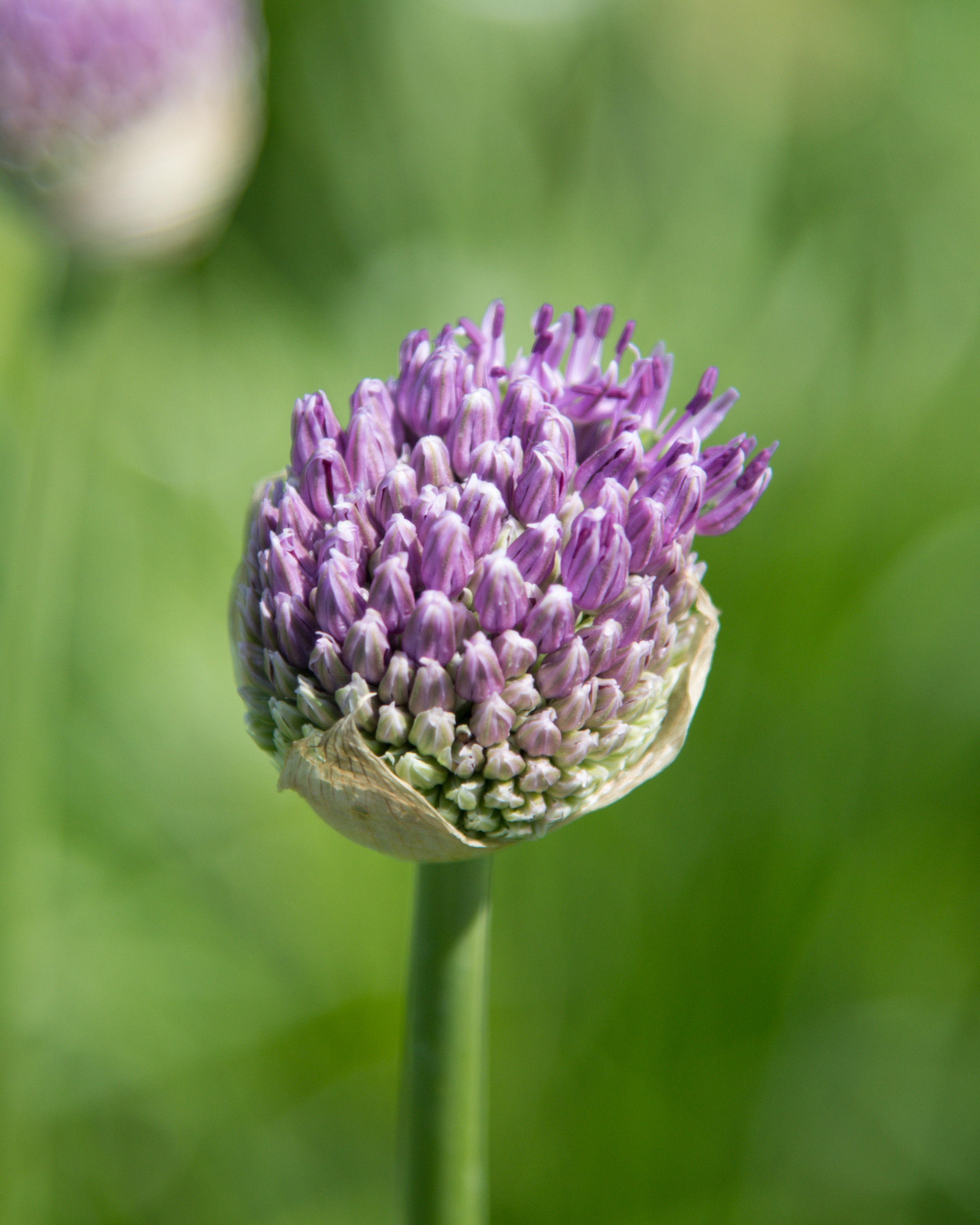
Flower photo before and after Lightroom editing – from flat to vibrant
Whether you’ve just captured a bloom bathed in golden hour light or snapped a bright tulip at noon, editing your flower photos can transform them from simple snapshots into radiant, share-worthy images. In this beginner-friendly guide, I’ll walk you through how I edit flower photos using Lightroom or Camera Raw and add a soft, dreamy Photoshop glow for those magical sunset shots.
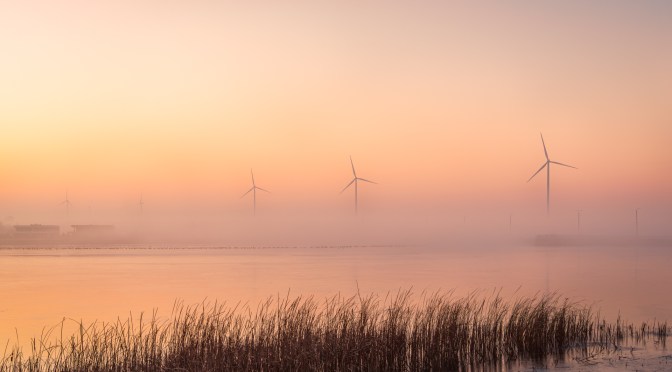
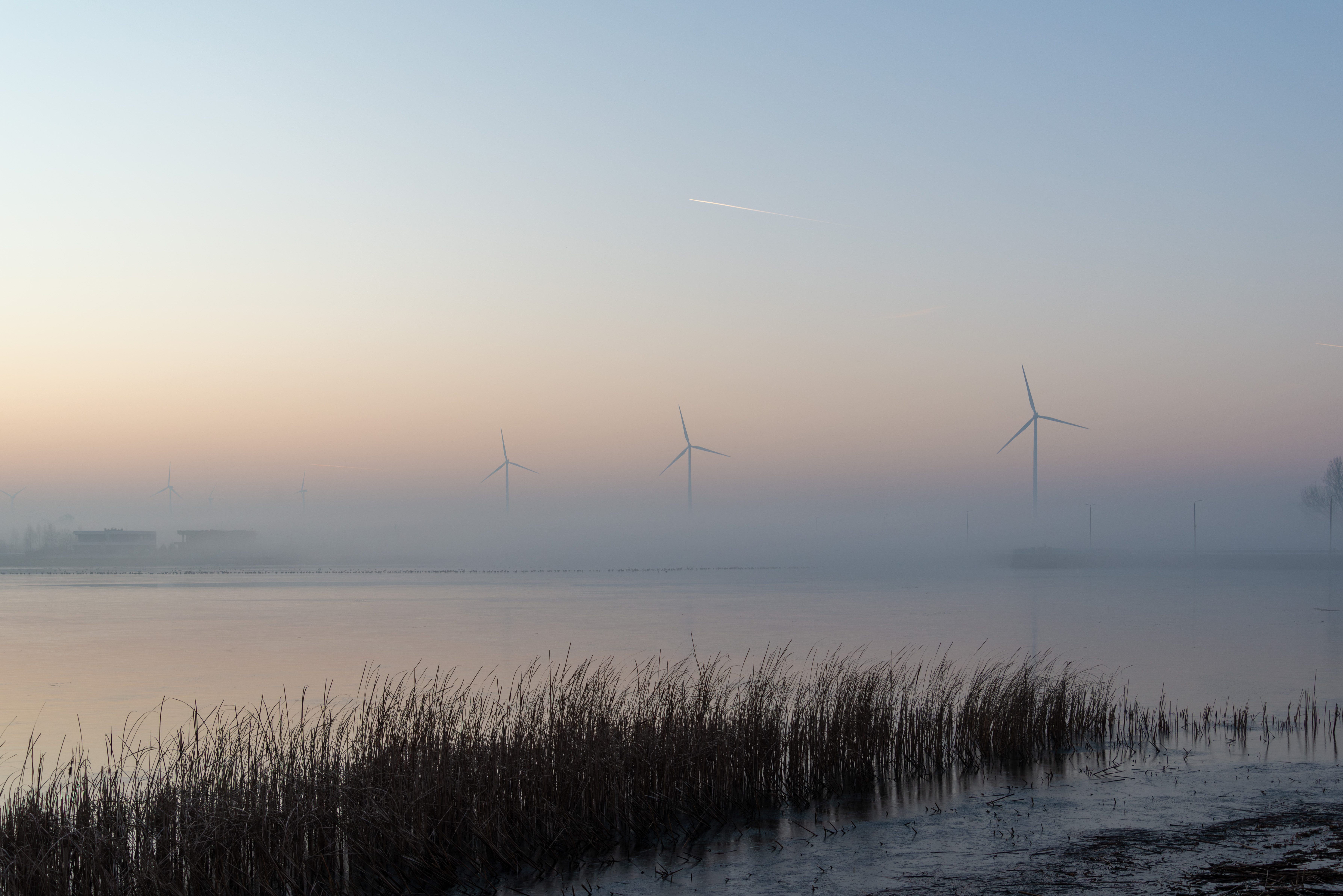
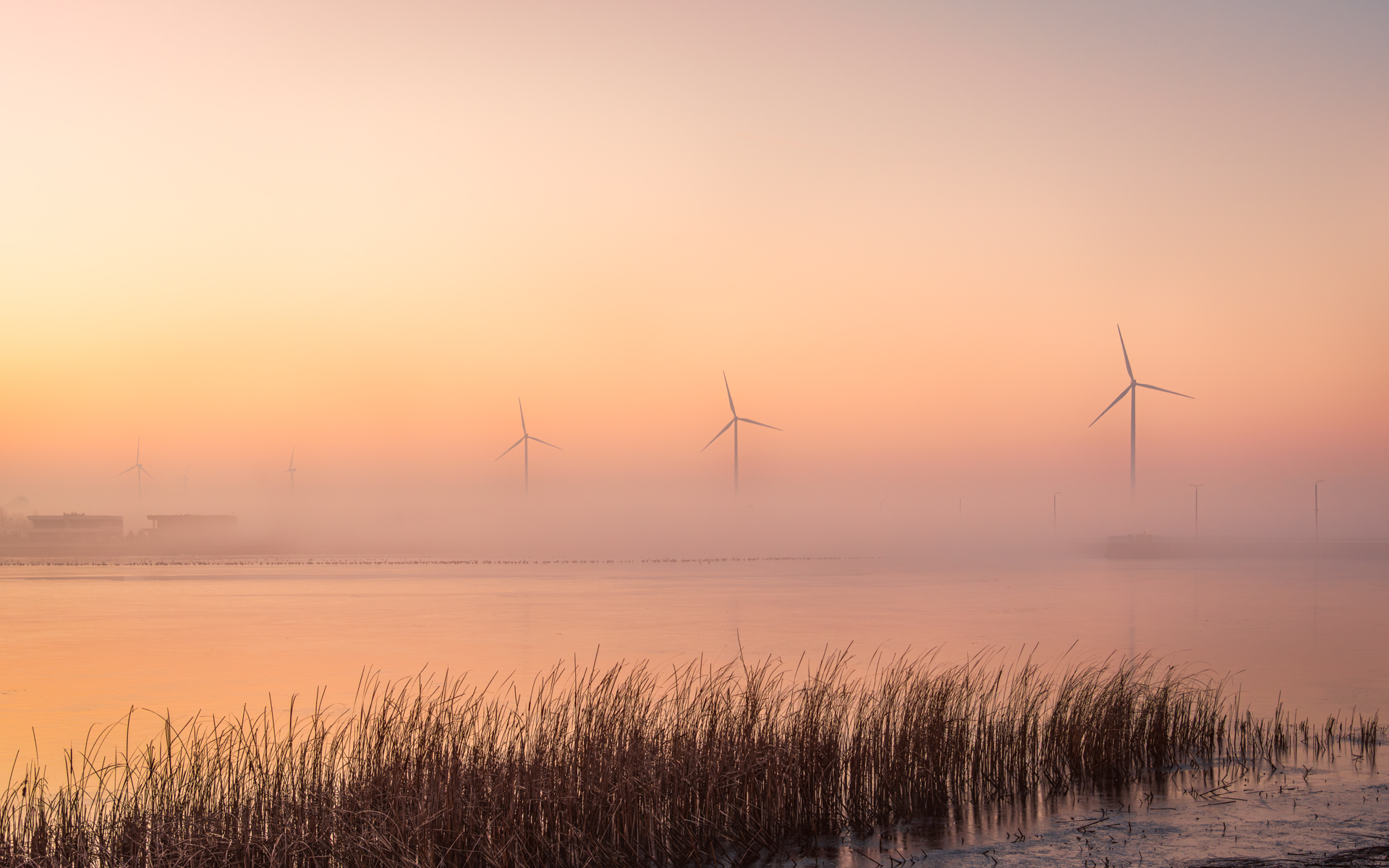
This shot had potential—soft fog, dramatic turbines, and a fading sunset—but it needed careful editing to balance the mood. Here’s how I teased out the magic without losing the atmosphere.
A streamlined import and editing workflow keeps your photos organized and your edits non-destructive. Here’s my step-by-step process for bringing images into Lightroom and prepping them for Photoshop—perfect for single shots or large batches.
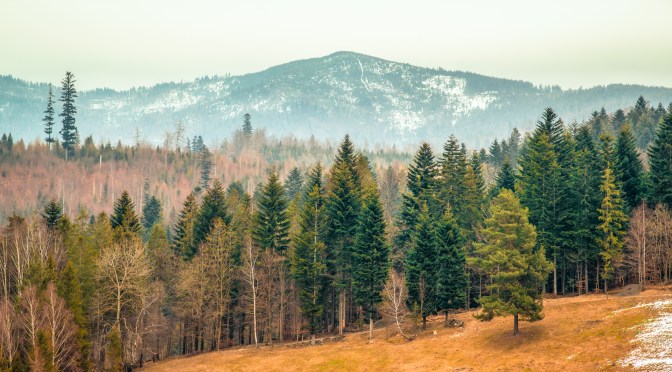
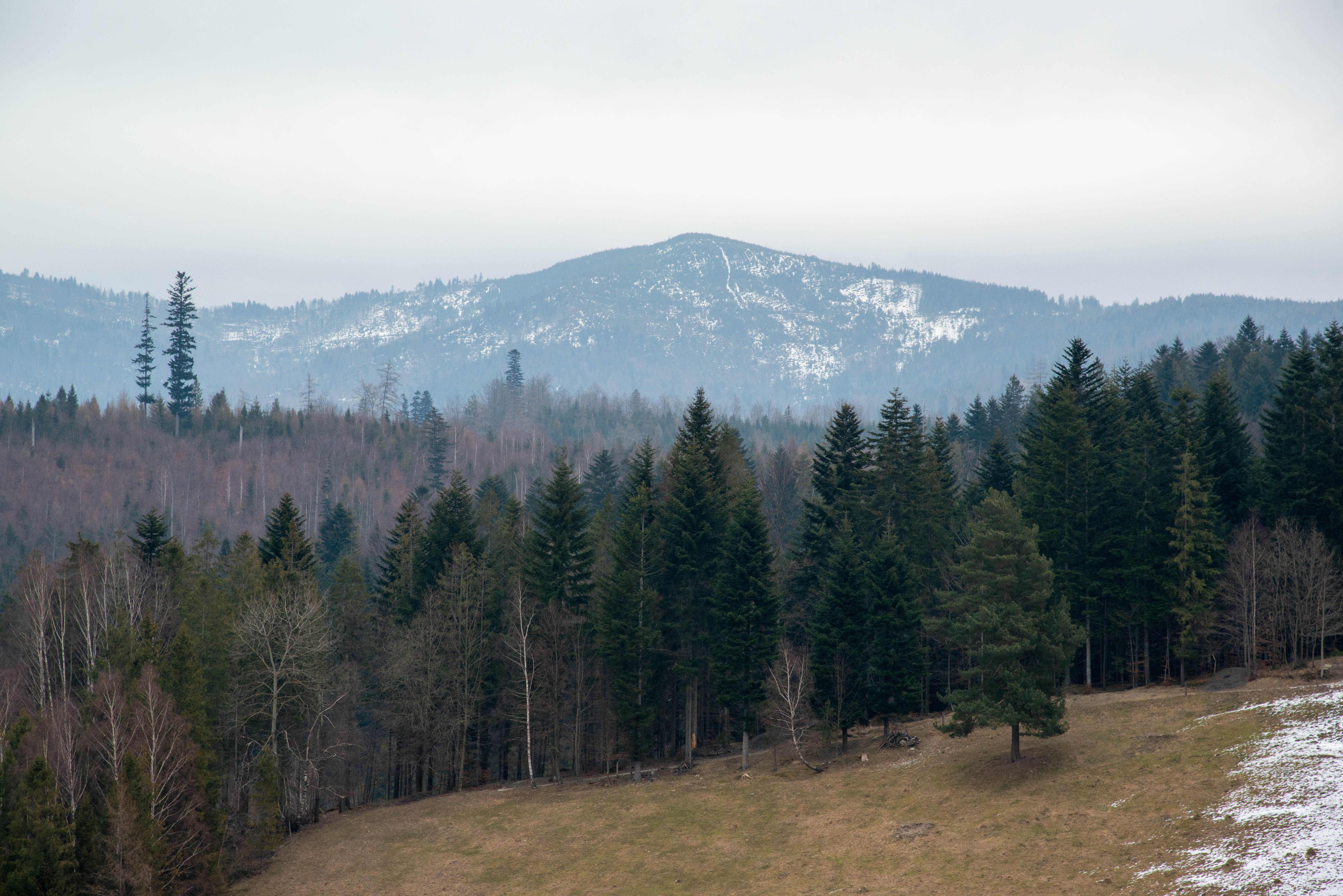
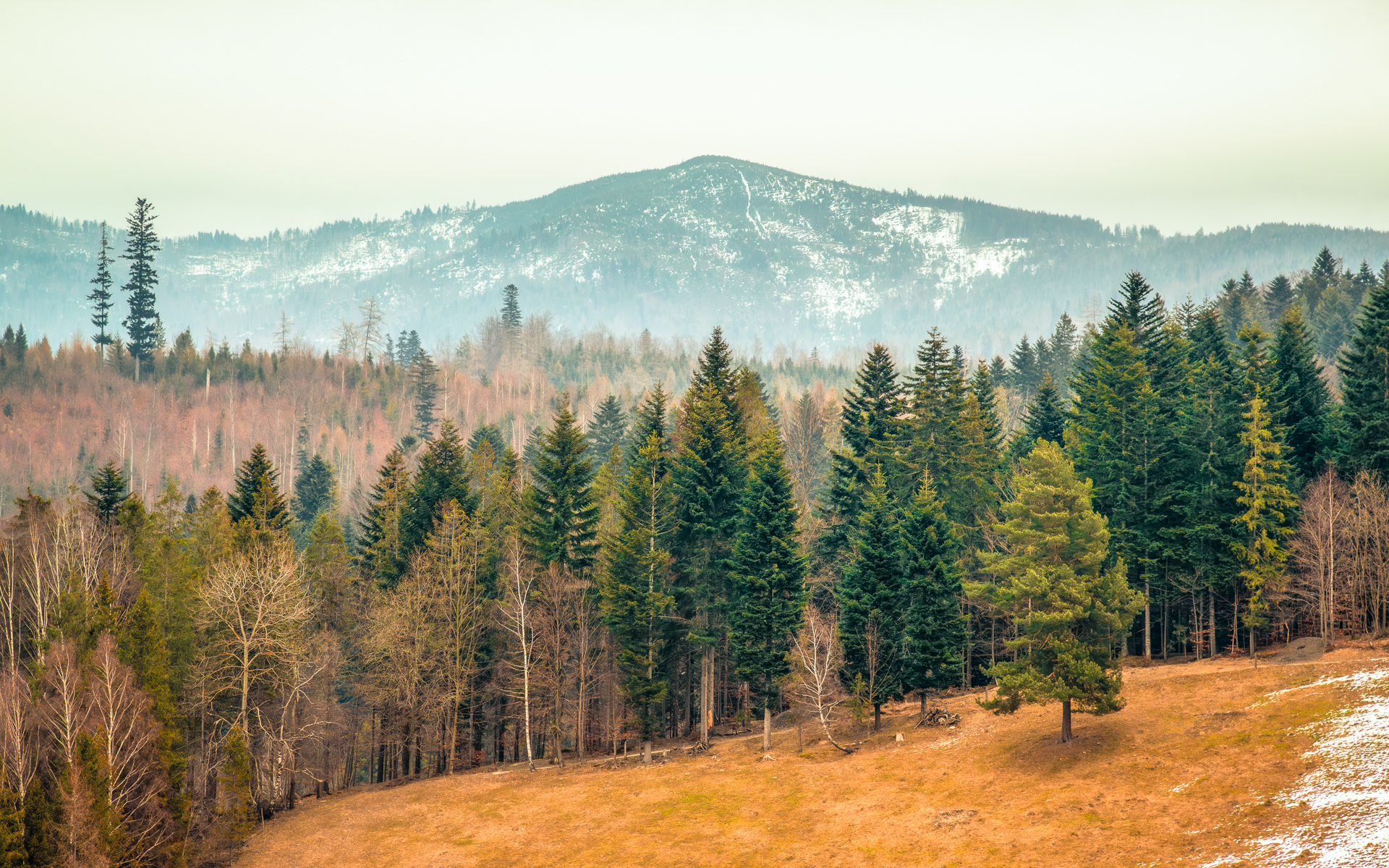
While this RAW file initially looked flat and cold, I saw potential to transform it into a warm winter-to-spring transition scene. My goals? Lift the snow’s subtle textures, reveal hidden details in the trees, and maintain that magical seasonal ‘in-between’ glow—where last winter’s chill gently gives way to spring’s warmth. Here’s my step-by-step edit to achieve that balance.









 Shutter and Saddle