
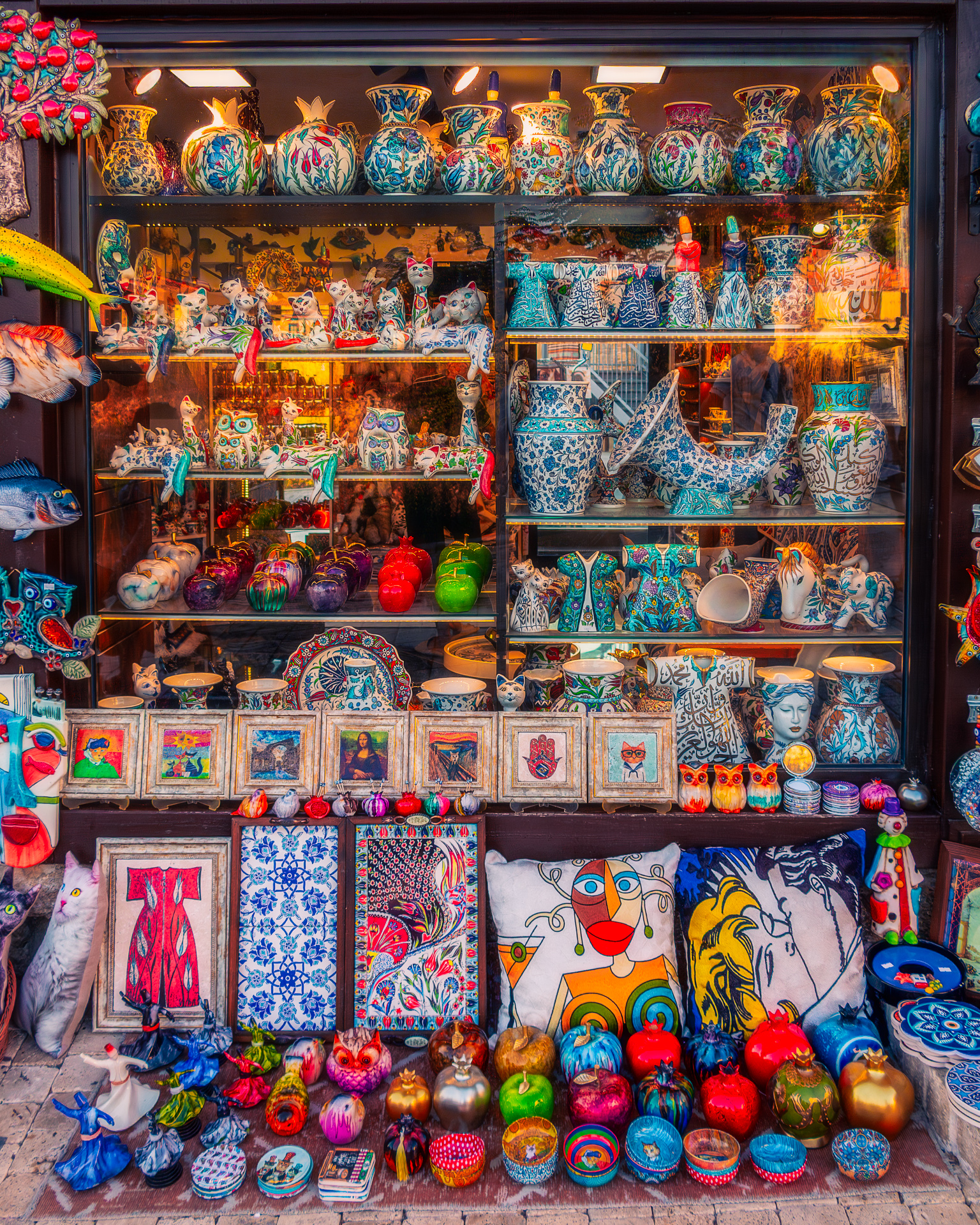
A vibrant shop window display of ceramics, fabrics, and ornaments — colors enhanced and softened with a dreamy glow
There are certain streets where you can’t help but stop — not because of the traffic or the crowds, but because a window calls you in. This shop was one of those places: packed from floor to ceiling with ceramics, fabrics, pillows, ornaments, and paintings, each one bursting with its own personality. The scene felt alive, but the photo straight from the camera looked flat and distracted by reflections on the glass.
This is where a careful workflow in Camera Raw and Photoshop helps bring the story back — keeping the scene true to life, while adding just enough polish to make it feel like the moment I stood there.
Developing in Camera Raw
I started with the essentials. A more colorful profile gave the picture a better base, and lens corrections fixed distortion from the glass. The white balance leaned toward cool, so I nudged it warmer to restore the glow I remembered from the street.
The Light panel was all about balance: pulling back highlights to tame the reflections of the shop lamps, opening shadows so the shelves didn’t disappear, and adjusting whites and blacks for contrast without clipping details.
Colors were handled with care — a boost in Vibrance gave energy to the scene without oversaturating, while the Color Mixer let me fine-tune: brighter reds for the apples and figurines, deeper aquas for the ceramics, and livelier greens to make the fruit pop. A touch of Texture and Clarity helped patterns stand out, while a subtle vignette kept attention inside the window.
Removing Window Reflections
Shooting through glass is tricky — you almost always bring home some reflections from the street. This time, I used the Remove Tool in Camera Raw, which now has an option to reduce reflections. With just one push of a button, the most distracting glare disappeared, leaving the pottery and fabrics much clearer. It doesn’t replace Photoshop for precision work, but it gave me a much cleaner file to start with.
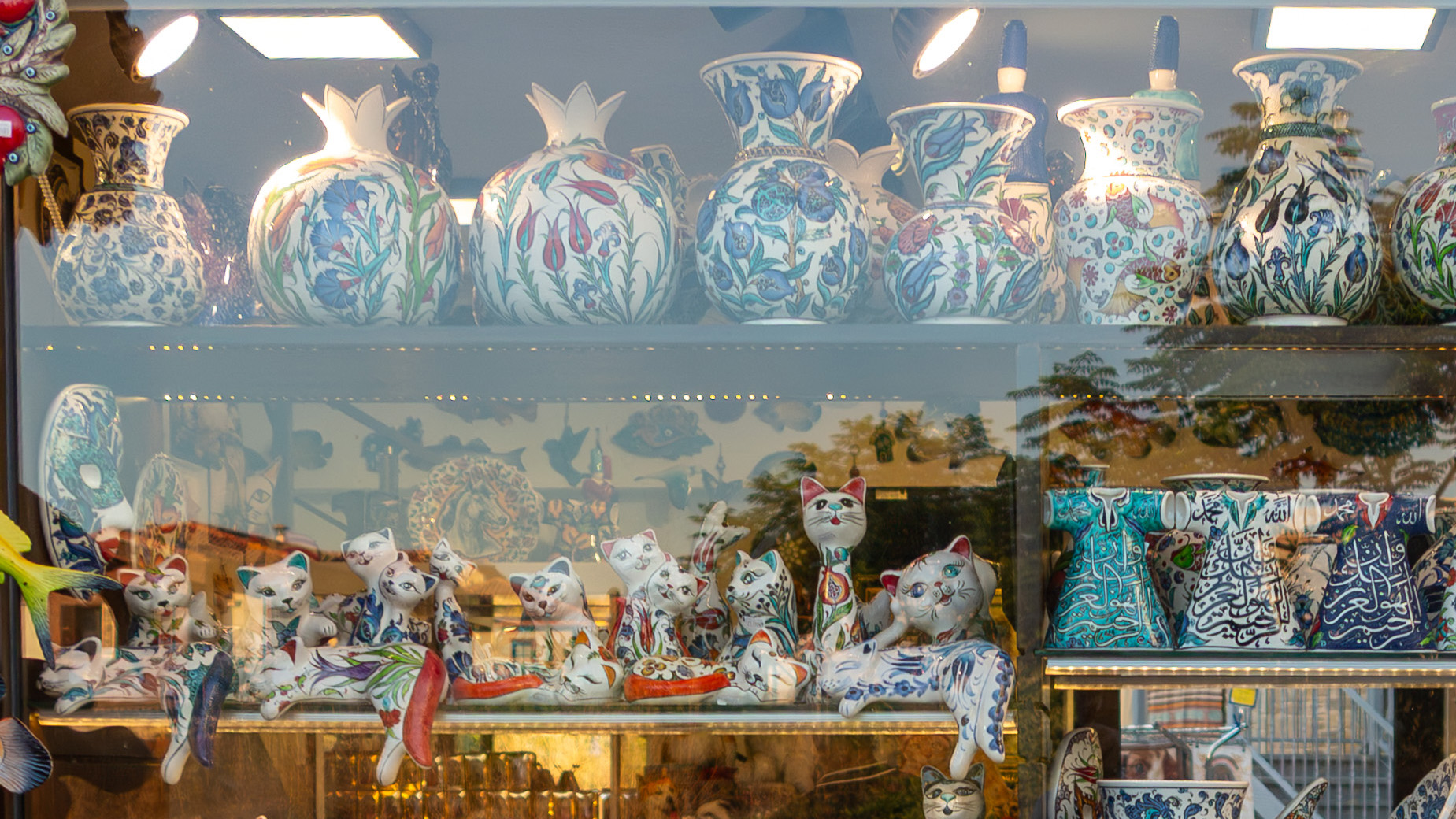
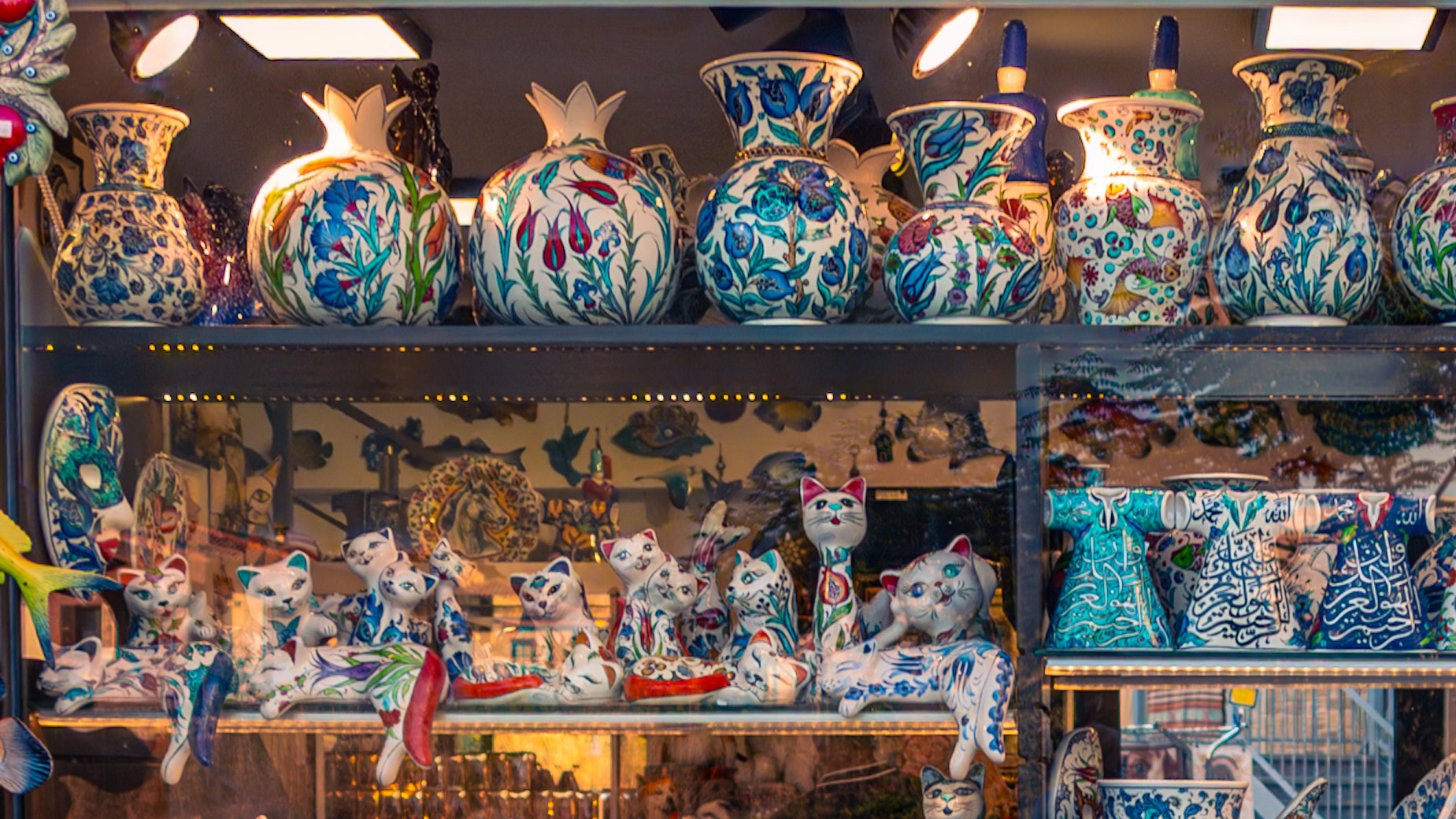
Refining in Photoshop
With the basics set, I moved to Photoshop for more selective adjustments.
- A Curves adjustment layer added depth through a gentle S-curve.
- Using selective color adjustments, I gave reds a bit more weight, tuned blues to a rich ceramic tone, and brightened yellows so they stayed cheerful without overwhelming the frame.
- Dodge and Burn helped guide the eye — lifting highlights on glossy ceramics and ornaments, while darkening the frame edges so the viewer stays inside the window.
- Finally, high-pass sharpening made textures crisp, from the brushstrokes on the pottery to the fabric threads on the pillows.
Adding the Dreamy Touch
At this point the photo looked colorful and alive, but I wanted something softer — closer to how the scene felt when I paused in front of it. To do that, I softened the darkest shadows using a Curves adjustment with a mask, gently lifting them without flattening contrast. Then I added a subtle glow effect: duplicating the layer, blurring it, and blending it back at low opacity.
This combination gave the picture a slight dreamy haze — the shop still sparkles with detail, but the overall atmosphere feels more inviting and less harsh.
Final Thoughts
For me, the goal was never to exaggerate the shop into something it wasn’t. Instead, it was to restore the experience of standing there — the colors pulling you in, the details making you linger, the glow of warm light softening the scene.
For hobbyist photographers and travellers, this kind of workflow shows that editing isn’t about changing reality, but about translating what you felt into what the viewer sees. Sometimes that means careful color work, sometimes it means removing distractions, and sometimes it just means adding a touch of dream.
If you enjoy capturing colorful corners like this, try experimenting with Camera Raw and Photoshop yourself — you’ll be surprised how small steps can bring your travel photos to life.
Discover more from Shutter and Saddle
Subscribe to get the latest posts sent to your email.
 Shutter and Saddle
A beautiful window.
LikeLiked by 1 person
Thanks a lot! I couldn’t resist stopping for this one – such a charming window.
LikeLiked by 1 person
Where was this taken?
LikeLiked by 1 person
I took it in Ancient Side, Turkey. The whole street was full of little shops like this – each window a story on its own.
LikeLiked by 1 person
Great tips, Mike.
LikeLiked by 1 person
Thanks a lot, Mitch! Glad you found them useful 🙌
LikeLiked by 1 person